CubePay isn't tied to a single processor

We built the platform to work through the gateways we support and with the freedom to choose your own processor and rates within them.
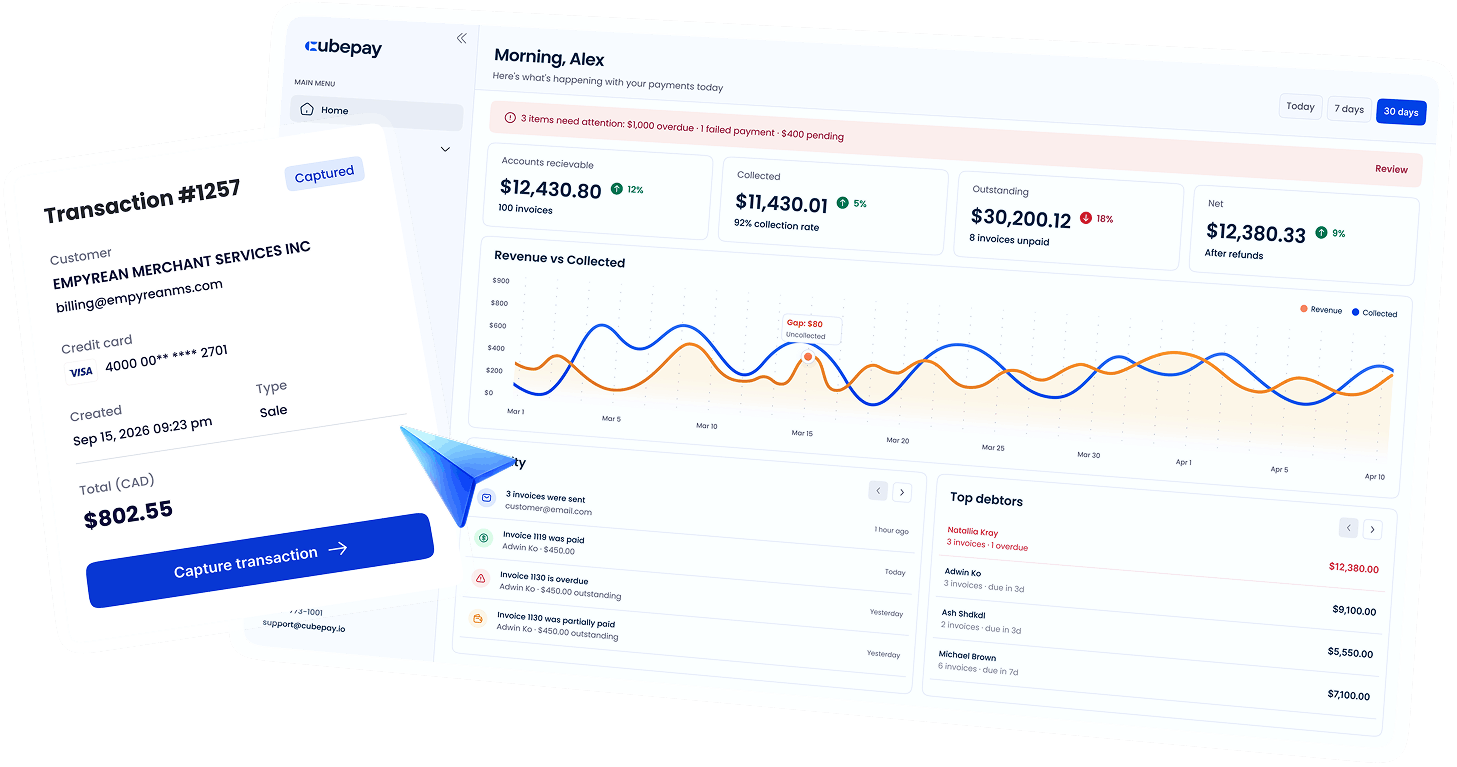
CubePay lets you create invoices, take payments, and manage payments, all in one place. Keep the processor and rates you've already negotiated
Most payment platforms require you to adopt their processor and workflow. CubePay is designed to work around yours.
We built the platform to work through the gateways we support and with the freedom to choose your own processor and rates within them.

If you use QuickBooks Online, connect it once and every change flows both ways automatically. If you don't, CubePay works exactly the same without it

Send invoices and payment links, schedule charges, and keep payment methods on file.
Invoices, installment plans, scheduled payments, and custom payment links.
See next
Charge cards on the spot, store customer cards on file, and use your own gateway and rates.
See next
Works as a standalone platform, or with real-time two-way sync and automatic reconciliation.
See next


Step 1: Create
Build an invoice, set up a payment plan, or charge a card - all from one screen.
Create a professional invoice, break it into installments, or charge a card on the spot with no invoice required. Nothing here requires logging into QuickBooks first.
Step 2: Send & Collect
Get a payment link, a scheduled charge, or apply credit on file.
Share a secure payment link, let customers store a card on file, schedule the charge date, or apply existing credit directly to an invoice. Reminders go out automatically, on the frequency you set.


Step 3: Sync
Every transaction updates CubePay and QuickBooks in real time.
Changes made in either platform reflect on both sides automatically. No manual entry, no re-keying, no end-of-month scramble to match records.
Step 4: Get Paid & Reconciled
Track collections, manage stored cards, and close your books faster.
See what's paid, what's pending, and what's overdue at a glance - with reconciliation already done for you.





Basic plan
For businesses getting started.
$0/mo
/user
 Up to 10 invoices/monthCreate & send invoicesCustom payment links1 team member1 stored card per customerEmail support
Essential
For businesses ready to automate collections.
$40/mo
/per month
Up to 50 invoices/month (higher cap)Real-time two-way QuickBooks syncCharge cards on the spot (built-in gateway)Multiple stored cards/payment methods per customerStandard supportAdvanced
For businesses with more complex billing.
from
$100/mo
/per month
Higher/unlimited invoicesPayment plans & installmentsScheduled payment datesCredit on fileCustom-frequency payment notificationsPriority supportPro
For teams that need control across multiple users.
from
$320/mo
/per month
 Unlimited invoicesUser-level permissions for team membersAdvanced reportingDedicated / priority phone support
Take a closer look at how CubePay helps your team send invoices, collect payments, and keep every transaction organized
Book a Demo